How to report suspected phishing emails with the KnowBe4 Phish Alert Button (PAB)

Jun 01, 2023
190

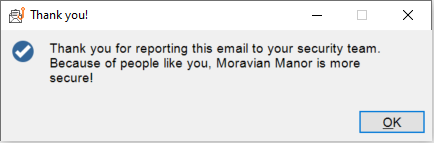
The Phish Alert Button is a feature in Microsoft Outlook that allows you to submit suspected phishing emails to the Helpdesk. If the message is a simulated phishing message, it will notify you right away. Otherwise, the PAB will notify the IT Helpdesk and delete the message from your Inbox. IT will review the message and possible reach out to you to determine what, if any, additional remediation steps are necessary.
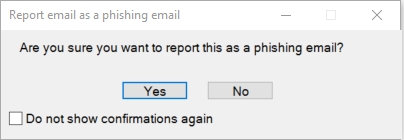
To use the PAB, select the suspected phishing email in your Outlook Inbox and click the Phish Alert Button. Shown below

Click Yes to report the phishing message.