Zoom - Alternative Hosts

Nov 15, 2023
63

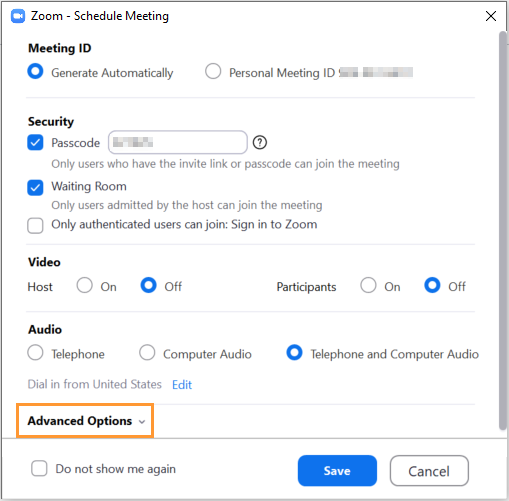
When scheduling a Zoom meeting, please be aware of the following “Advanced Option” in Zoom.
- Alternative hosts
- This allow you to schedule a meeting, but for another individual* to act as the meeting host. The alternative host must be a licensed user of Zoom within our organization.
To enable this settings:
Open starting a new scheduled meeting, click Advanced Options
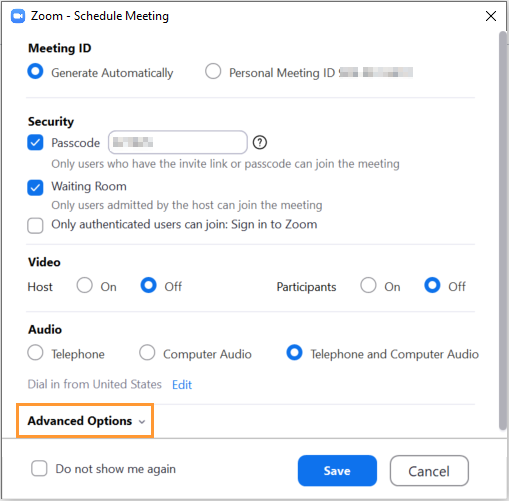
In Advanced Options, enter the email address for your Alternative host and click Save.