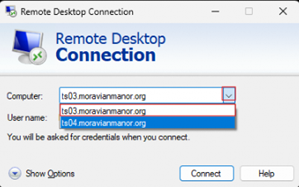
The Medcart Kiosks have been updated and will now automatically sign into the laptop and open Primary Connection (TS04) for users to sign in.
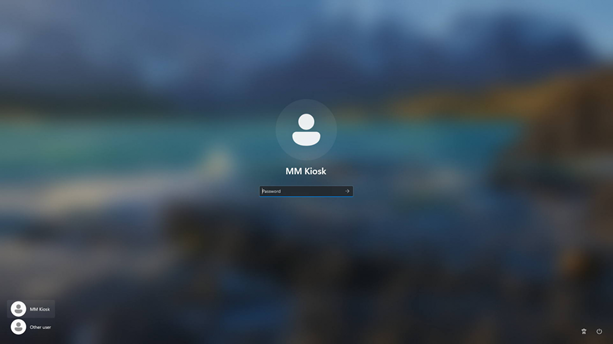
If the Kiosk requests a password, leave the space blank and press enter.
The Kiosk account does not need a password.
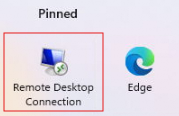
You will need to either press the Windows Key or the Windows icon on the task bar.

Remote Desktop Connection will allow you to sign into Primary Connection to get to your desktop.
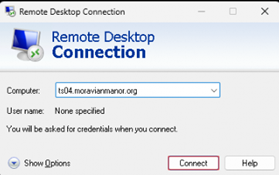
Click “Connect” once the window opens, then sign in using your Microsoft credentials.
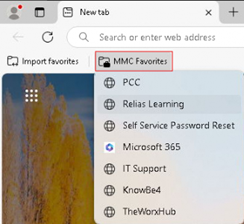
Microsoft Edge will house ease of access links for PW reset, Relias/KB4 training, and support tickets for Maintenance and Information Technology.
This will also allow Agency LPNs to sign into PCC for their shift.
If Primary Connection (TS04) is down for maintenance or is running into issues, the drop-down list will have Secondary Connection as back up (TS03)