Training Kiosk Quick Guide

Jul 16, 2025
76

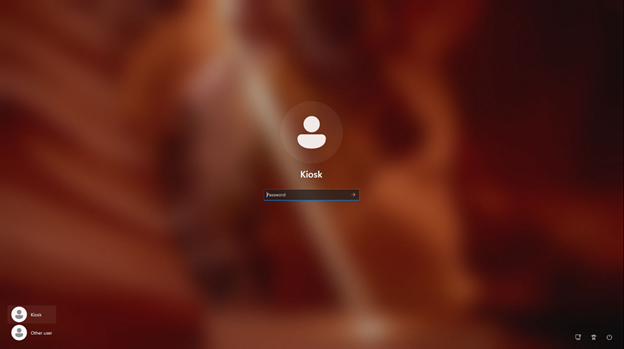
If the Kiosk requests a password, leave the space blank and press enter.
It will sign in without a password.
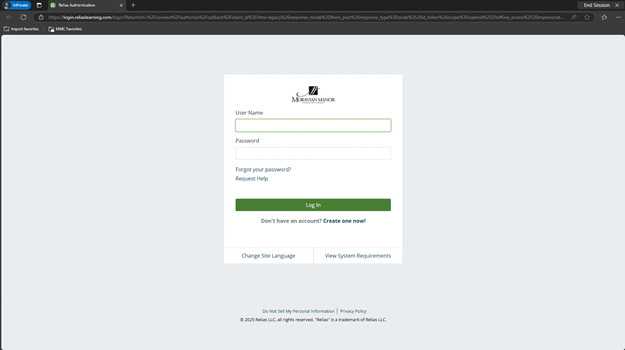
The computer will automatically launch Microsoft Edge and will open to Relias Learning.
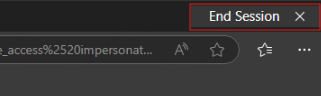
When completed with your training session, click “End Session” in the top right corner of the screen.
This will automatically sign you out and allow the machine to be used by the next person.
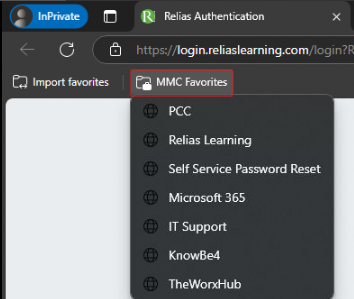
Other necessary websites will be able to be accessed through “MMC Favorites” found on the left side of the bookmarks bar.